Is dark mode better or worse for your eyes?
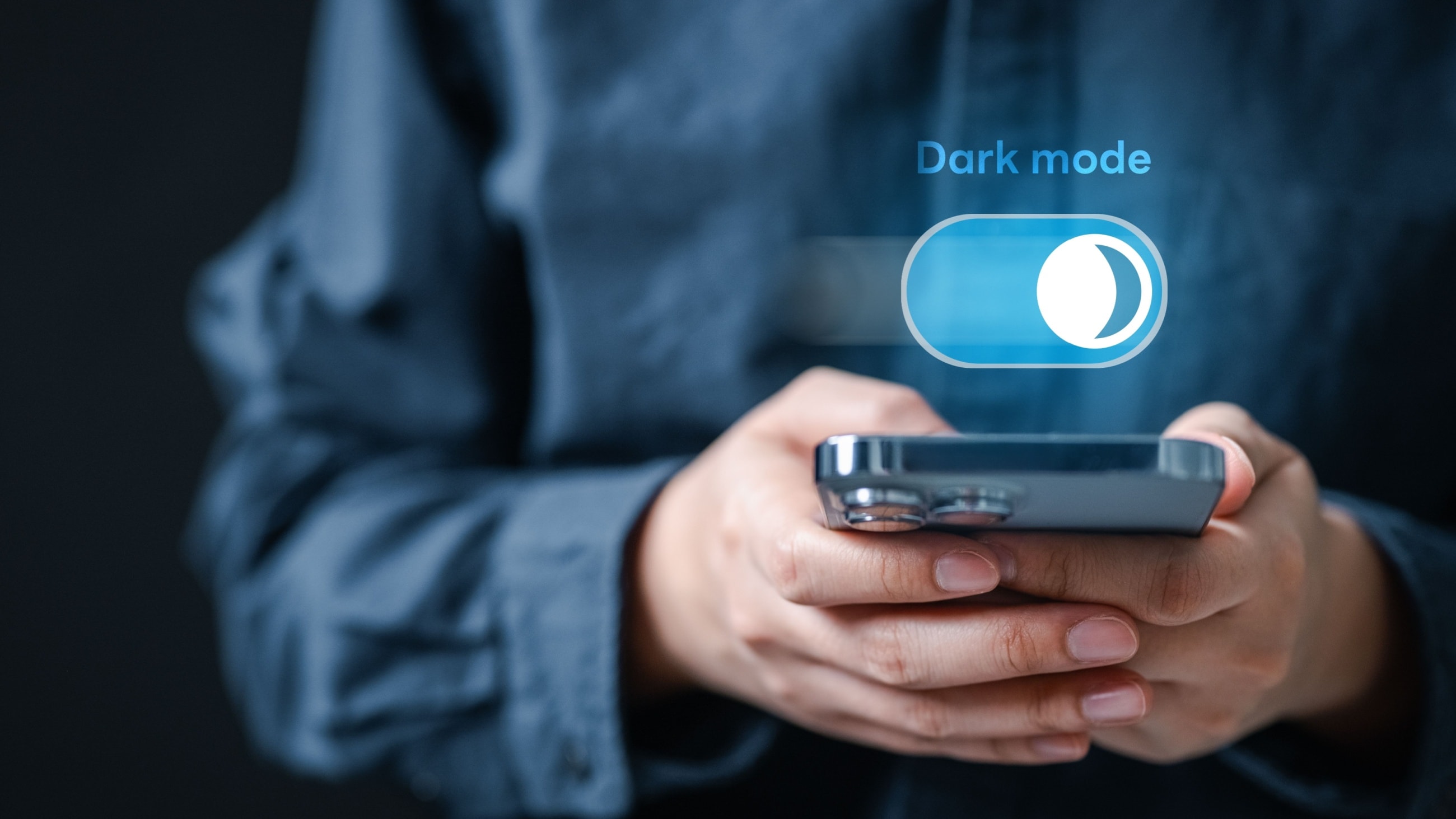

In a world where screens seem to be ever present, it’s important to take steps to protect your vision, even with something as simple as using your phone’s display settings. For example, is dark mode more comfortable for your eyes? Is grayscale the same type of low sensitivity option for eye comfort?
Dark mode can reduce some glare and blue light, both of which may increase visual comfort. However, dark mode isn’t for everyone. And, in some cases, it might actually cause more vision problems than solutions.
Meanwhile, grayscale is a mode that turns the entire screen gray. It’s designed to make engaging with the phone less appealing, not necessarily more comfortable. It may seem less harsh, but it doesn't actually reduce brightness or blue light.
Below, we dig into the details: What are these two modes, what are their advantages, and is either actually better for vision health?
What is dark mode?
Dark mode (or dark theme) is a setting offered on many smartphone models. Dark mode displays an inverted color scheme — light-colored text and icons on a dark background. Most mobile devices are in light mode by default. Dark text is superimposed on a white or light background.
Dark mode is accessed through your phone’s display settings and can be toggled on and off to accommodate user preferences. When applied, dark mode is displayed across the entire user interface, including apps.
Note: If you can’t find this option in your settings, it’s possible this feature has a different name, or that your phone (or its operating system) is outdated and doesn’t offer dark mode.
Believe it or not, dark mode actually existed as the “norm” before light mode. When personal computers were first available, monochrome monitors were the only option.
The monitors used phosphorus, which appeared dark on the computer screen. When a key on the keyboard was pressed, electrons would ignite the phosphorus into another color (often green) to create letters and symbols against the dark background.
What are the advantages of dark mode?
There are a lot of advantages to using dark mode. For example, it may extend battery life and reduce glare and blue light exposure.
MORE BATTERY, LESS CHARGING: Using dark mode can extend your battery life by up to 30%, which means you likely won’t need to charge your phone as often.
Note: If you find it’s harder to read in dark mode, dimming the brightness on regular mode could also extend your battery life.
REDUCE BLUE LIGHT EXPOSURE: Switching your phone to dark mode can help reduce blue light exposure.
Science has shown that blue-turquoise light can impact the circadian rhythm, the body’s sleep-wake cycle. This means it may be difficult to get sufficient rest if you’re exposed to enough blue-turquoise light close to bedtime. It's important to note, however, that blue-light glasses typically filter blue-violet light (400-455 nm), not blue-turquoise light (465-495 nm), which is what can impact sleep/wake cycles.
Blue light may also contribute to eye strain. This means dark mode may be better at night, though some people use it during the day too.
Many phones also have a blue light filter. The filter, which should also be located in display settings, lets you adjust the amount of blue light emitted from your screen. This is a great option for those who can’t see well in dark mode.
AVOID SCREEN GLARE: If you’re viewing your screen in a dark room, the bright light from default display settings can cause an irritating glare — an uncomfortable level of contrast between the screen and your surroundings. Using dark mode will help cut the glare from your screen significantly for more comfortable viewing.
You also can dim your screen manually in light mode or set your brightness to adjust automatically based on the surrounding lighting. Either option can help effectively reduce glare if you prefer not to use dark mode.
What about gray mode?
Grayscale is an accessibility feature that makes smartphone displays turn gray. Some people use this mode as part of a digital detox because an all-gray screen is less appealing to use.
Research suggests grayscale can actually help people spend less time looking at their phones. But in one study, the number of people who said it had a positive effect on vision was about equal to those who reported eye strain and headaches.
It wasn't clear if the positive effects were due to the grayscale itself or to the reduced screentime. These mixed results may mean dark mode could be a more comfortable option for people who are light sensitive.
Like dark mode, gray mode can be turned on by going into the accessibility or display settings.
Is dark mode better for your eyes?
While dark mode has a lot of benefits, it may not be better for your eyes. Using dark mode is helpful in that it’s easier on the eyes than a stark, bright white screen. However, using a dark screen requires your pupils to dilate, which could make it harder to focus on the screen.
Why does eye dilation make it harder to see? When your pupils dilate, your vision becomes less clear. When your pupils constrict under bright light, your vision sharpens. Just like a camera, a smaller aperture provides greater depth of focus. For this reason, it may be more difficult for some people to clearly see screen details in dark mode.
People who have myopia or astigmatism also may experience halation (from the word “halo”). Halation occurs when light spreads past a certain boundary, creating a foggy or blurry appearance.
In other words, white letters can appear to bleed into a black background. This can make it more difficult to read, especially if the print is fine.
Halation is more common and more severe when using dark mode. Those who already have vision issues may benefit more from a dimmed light mode or blue-light-filtering mode. No matter what mode you use to view your phone, the proper way to ensure clear, comfortable viewing is to see your eye doctor for regular eye exams and an up-to-date vision prescription.
Correcting underlying vision problems will bring relief that dark mode can never achieve, both on screen and off. And if you’re going to get new glasses, you can add special lens coatings in the process that will help block glare and filter blue light. But remember that not all products that claim to block or filter blue light will filter blue-violet light or blue-turquoise light. In addition, the type of blue light emitted from electronic screens may vary by manufacturer or device setting.